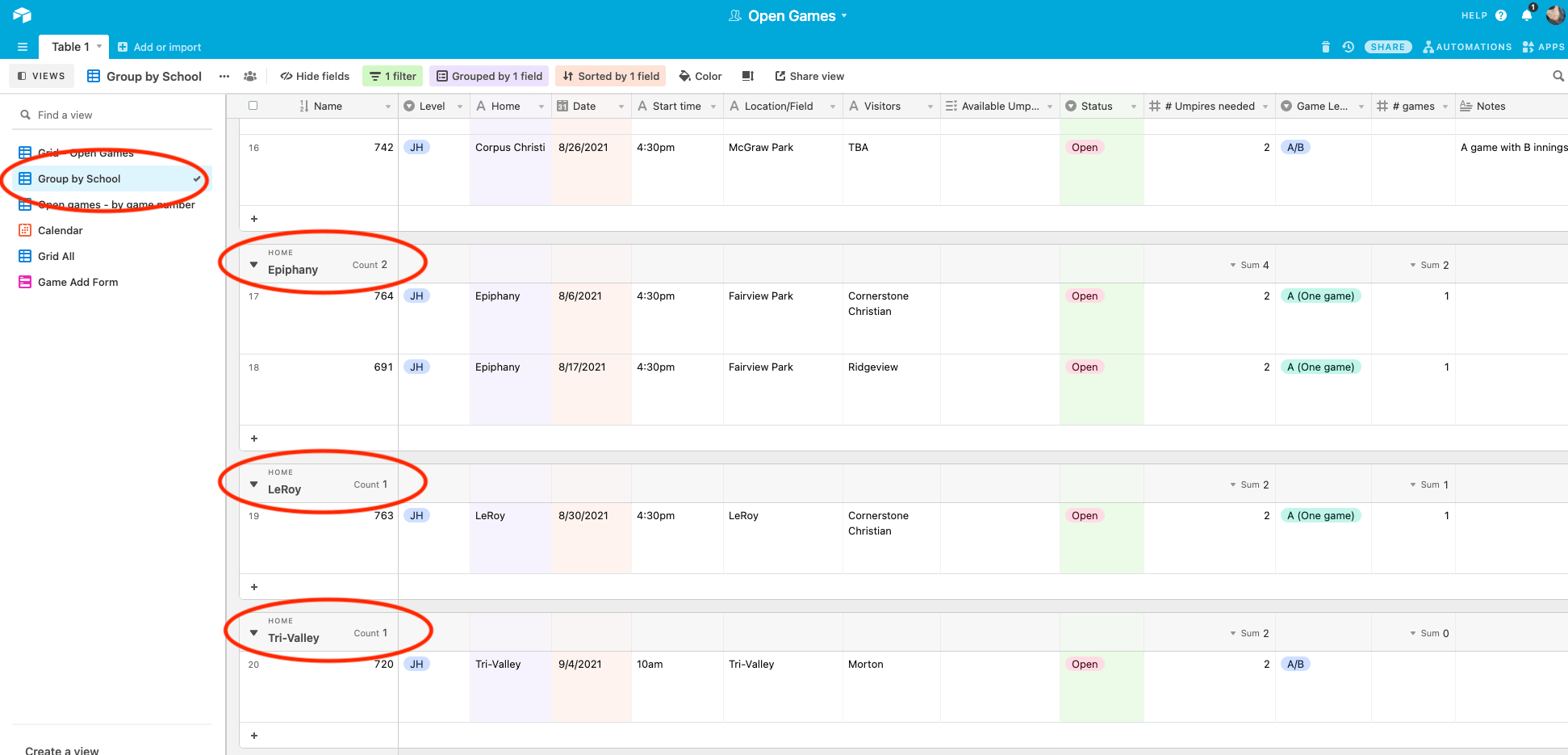
A new view has been created to show available games grouped by school.
When you log into Airtable to view the available games you are likely used to seeing the default view, Open Games. There is a second view which lists the games by game number (which is a bit useless except for umpires that email me availability and list game numbers rather than date/school).
The newest available view is designed for those umpires who want to work at specific schools. Rather than sorting through the by date view, you can visit the Group by School view to see all available games, grouped by school, alphabetized by school name, then each school’s games are sorted by date. Please do not edit or alter any view beyond adding your name to the Available Umpires column.
Placing your name in the Available Umpires column of any view will update all views, so you only need to do it once.
For your convenience and reference, a screenshot of the new view is included below. Notice the view on the left is circled in red as are the names of the schools so you can see where to find those. Click on the image to view a larger version.